
Tickets, concessions, FanGrams, donations and paid streams, sold from the phones your volunteers already carry, with every sale on one dashboard.
No card readers to rent and no separate tools for shout-outs or donations.
Sell online before the show and with tap to pay at the gate. Wallet passes scan even when the stadium has no signal. You get the full ticket price.
CardCashRing up food and drinks at the stand from the same phones running the gate, with live totals on the dashboard.
CardCashParents and friends buy a message for their student, and the announcer reads it from the press box. Sell online ahead of time or for cash at the event.
CardCashTurn on donations for your event, online or at the table. Donors can choose to cover the processing fee so the whole gift reaches you.
CardGrandparents, deployed parents and alumni can watch from anywhere. Stream from a phone, keep it free or sell access, and keep the stream revenue. Streaming is a $149 add-on per stream.
CardNo percentage cut of your ticket sales, and no tip prompt that makes parents do math at checkout.
Fans pay a small ticket fee on top: $1 on tickets $10 and under, $1 plus 4.5% above that.
Card sales go to your organization's Stripe account. One payout trail instead of five apps.
If your director already runs the contest on Marching Maestro, tickets, concessions and FanGrams are part of the same event fee.
Cash sales are recorded in the app, and your team still handles the drawer. See every fee on our pricing page.
Your director and your board work in the same event, each on their own part of the day.
Unlimited dashboard users on every event. Give each person full access, edit access or view-only access.
Stop spending the first hour of every contest explaining roles to first-timers. Built so a first-time grandparent can run the gate after a quick walkthrough from a fellow volunteer.
Card sales go to the Stripe account of the organization hosting the event. You get the full ticket price, and the ticket fee is paid by the buyer on top. Cash sales stay in your drawer and are recorded in the app.
Yes, for tickets, concessions and FanGrams. Volunteers enter cash sales in the app so they show up in your totals. Your team handles the drawer.
Nothing extra. The event fee already covers every feature, including tickets, concessions and FanGrams. Streaming is a $149 add-on per stream.
Most boosters are set up for their next contest in well under a week. If you're under a time crunch, we'll help you get started.
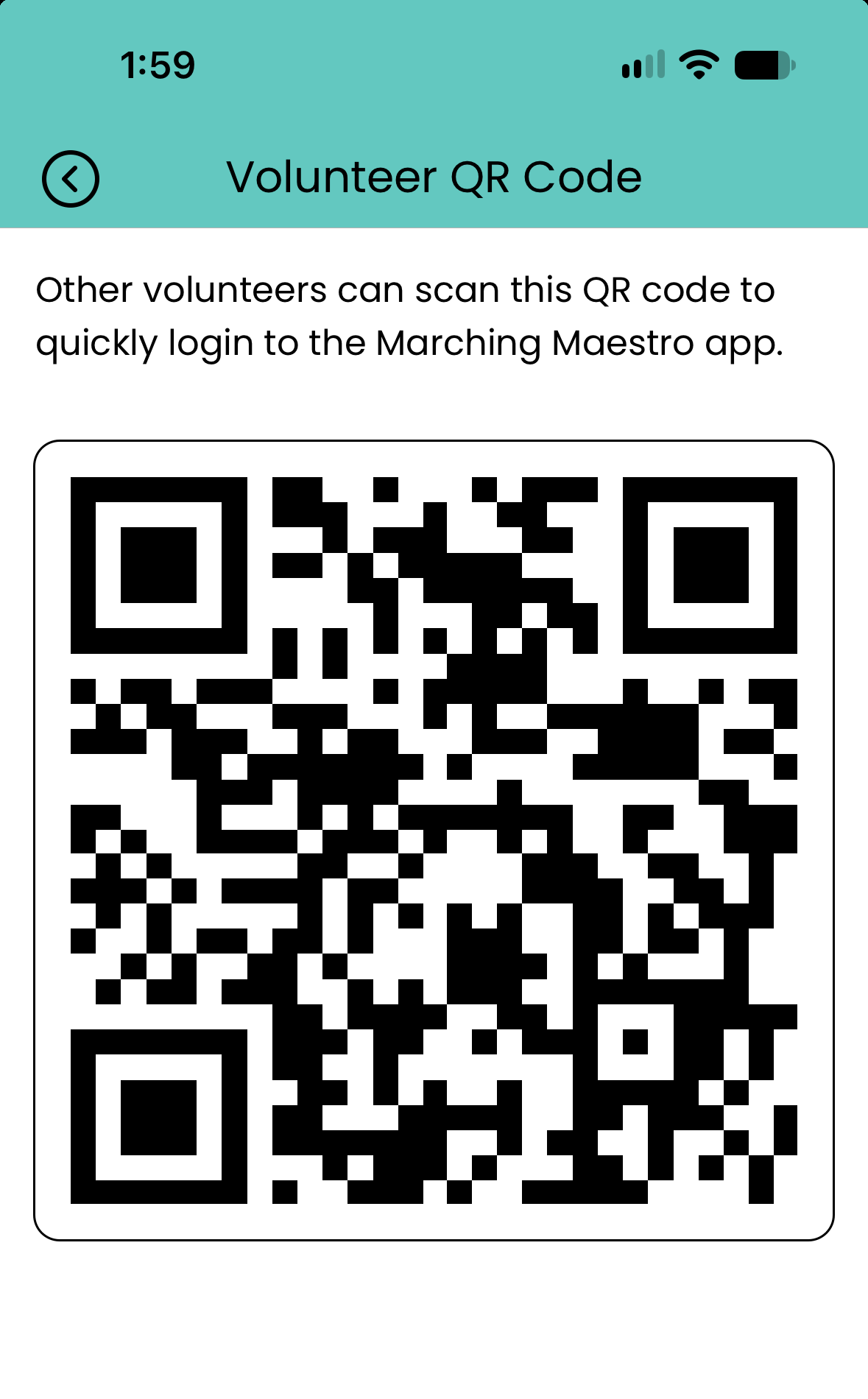
For ticket scanning and sales, yes. It's a free app from the App Store or Google Play, and they're set up once they scan the onboarding QR code.
Fans only need their ticket QR code to get in, and tickets can be saved to Apple Wallet or Google Wallet ahead of time.
Set up your event for free and pay only when it goes live. Want a walkthrough first? A 15-minute demo shows you exactly how the day runs.

Marching competitions made easy